

 Index
Index


Going through lengthy connection processes can be discouraging. We get it!
When you join a new platform, the setup is often the least exciting part. You click through screens. You log in, then log in again. You wonder if something broke. By the time you are done, the energy you had for your next collab is gone.
That is exactly what we set out to fix.
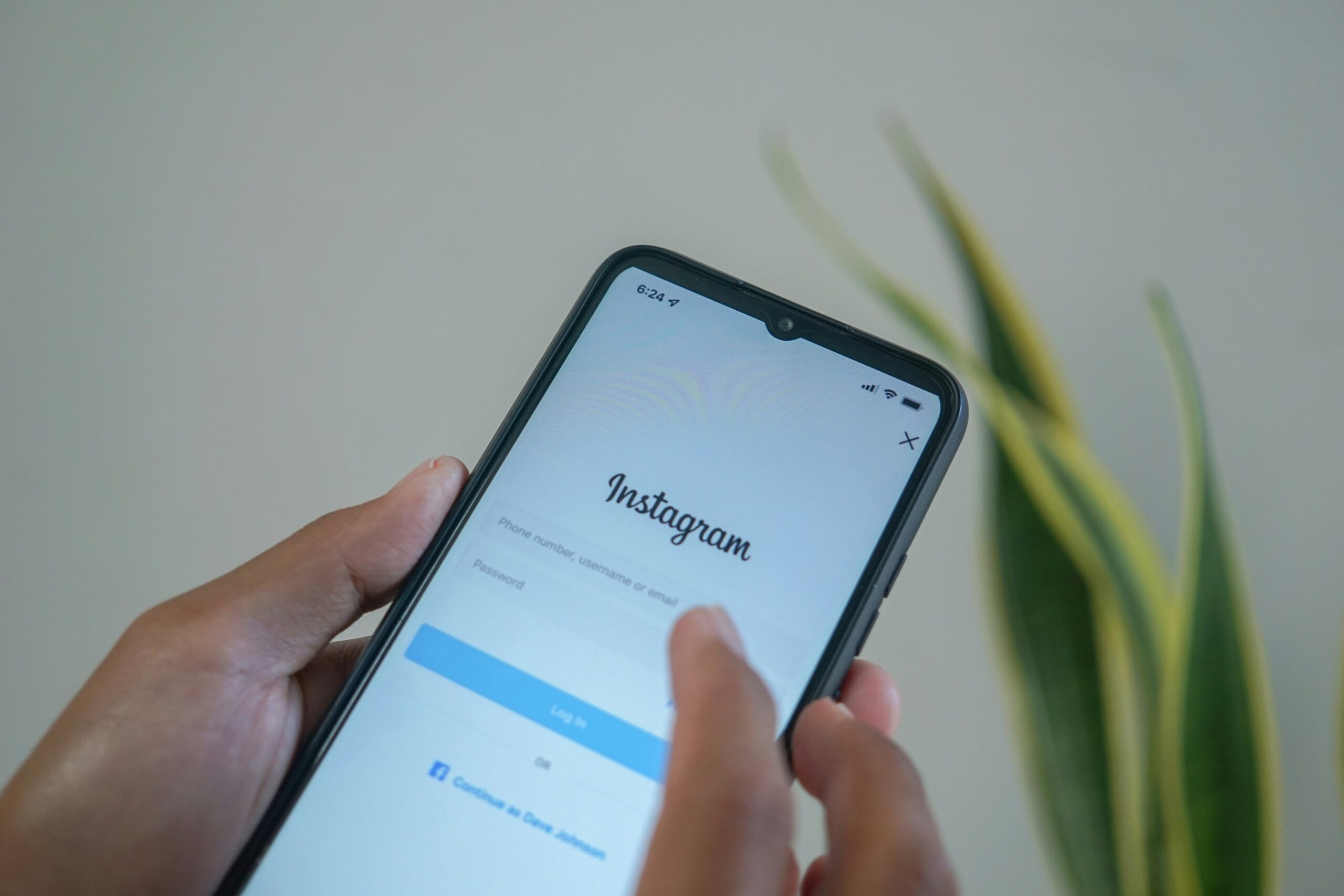
Skeepers now offers a Faster Instagram Connection. It is a simpler, quicker way to link your Instagram account to your Skeepers profile. Fewer steps. Less waiting. More time doing what you actually love.
In this article, we will walk you through what changed, why it matters, and how to get connected in just a few minutes. We will also show you what a connected account opens up for you on Skeepers. Spoiler: it is a lot.
Let’s get you started.
What is the Faster Instagram Connection?
It is an update to the way you link Instagram to Skeepers. The goal is simple. Get you from sign up to ready in less time.
Before, connecting Instagram could feel like a small obstacle course. There were more screens to get through. More permissions to read. More moments where you might stop and think, “Wait, did that work?”
Now the flow is shorter and clearer. You start the connection from your Skeepers account. You log in to Instagram. You approve access. That’s it. You land back on Skeepers with your account linked and ready to go.
Here is what the update brings you:
- Fewer steps. We cut out the extra clicks so you reach the finish line faster.
- A clearer flow. Each screen tells you what is happening and why.
- Quicker access. Once you are connected, your profile is ready to be seen by brands sooner.
- Less guesswork. You know when it worked. No more wondering.
Think of it like a shortcut. Same destination but a shorter road.
Why this update matters for you
Many of you told us the connection step was where things slowed down. Some started the process and never finished. Others finished but were not sure it had worked. That is friction. And friction costs you opportunities.
Here is why a faster connection makes a real difference:
You start sooner. The quicker you connect, the quicker you can apply to campaigns. Some opportunities fill up fast. Being ready early gives you a better shot.
You feel more confident. A clear, simple flow means fewer doubts. You know your account is linked. You can move on to the fun stuff.
You make a better first impression. A connected profile shows brands you are serious and ready to collaborate. It tells them your stats are real and up to date.
You keep your momentum. Signing up is a moment of excitement. A smooth setup keeps that energy going instead of draining it.
In short, less time on setup means more time on creating and collaborating.
How to connect your Instagram account, step by step
Ready? Here is how it works. Grab your phone or laptop. This will only take a few minutes.
Before you start, check two things:
- Your Instagram account is set as a Creator or Business account. If it is still personal, you can switch in your Instagram settings. It is free and takes less than a minute.
- You know your Instagram login details. You will need them to approve the connection.
Now, the steps:
- Log in to Skeepers.
Open your creator account. If you are new, sign up first.
- Find the Instagram connection.
- You will see it in your onboarding flow or in your profile settings.
- Click to connect.
You will be taken to Instagram’s secure login page.
- Log in to Instagram.
Use your usual username and password. If you have two-factor authentication on, approve it as usual.
- Review and approve access.
Instagram will show you what Skeepers can see. Take a moment to read it, then confirm.
- Head back to Skeepers.
- You will be returned automatically. Your account now shows as connected.
That’s the whole process. Less steps, no hassle, and no back and forth.
If you manage more than one Instagram account, make sure you are logged in to the right one before you start. It saves you from connecting the wrong profile by mistake.
For more information, reference the help article.
Connect with confidence
It is normal to feel a bit careful about linking your Instagram to another platform. Your account is your business. You have worked hard to build it. So let’s clear up a few common worries.
You log in on Instagram, not on Skeepers. When you connect, you enter your password on Instagram’s own login page. Skeepers never sees or stores your Instagram password.
You stay in control. You choose to approve the connection. Instagram shows you clearly what is being shared before you say yes.
Skeepers cannot post for you. Connecting your account lets Skeepers read information like your audience size and engagement. It does not let anyone publish, delete, or message from your account.
You can disconnect anytime. Changed your mind? You can remove the connection from your Skeepers settings or from the apps and websites section of your Instagram settings.
Why does Skeepers need this access at all? Because brands want to work with real creators who have real audiences. Pulling your stats straight from Instagram keeps everything accurate. No screenshots. No manual updates. Just honest numbers that speak for themselves.
That honesty works in your favor. It builds trust with brands from day one.
What a connected account unlocks for you
Connecting Instagram is not just a box to tick. It is the key that opens the door to collaborations on Skeepers.
Brands on Skeepers look for creators who fit their audience and style. A connected account gives them the data they need to find you. Without it, you are much harder to spot. Many campaigns need a connected account so brands can check your profile. Once you are linked, you can start applying right away.
Your follower count and engagement update from Instagram. You do not have to send new screenshots every time you grow. Your profile grows with you. Accurate data helps Skeepers suggest campaigns that suit you. That means less time scrolling through offers that are not a fit, and more time on ones that are.
After a collab, brands want to see how your content performed. A connected account makes it easy to share those results. Strong results lead to repeat partnerships.
And remember, Skeepers works with creators of all sizes. You do not need a million followers. Brands often look for nano and micro creators because their communities are close and engaged. If your audience trusts you, there is a place for you here.
Tips to hit the ground running
You are connected. Nice work. Now let’s make the most of it. Here are a few quick wins to help you land your first collab sooner.
- Complete your personal profile. Answer these questions accurately to increase your chances of being matched to the right brands and campaigns. And remember to update your profile when you or your content change (ex. You have a baby, change your content niche, etc..)
- Tidy up your Instagram. Brands will likely look at your feed. Pin your best posts. Make sure your bio is up to date.
- Check your notifications. Turn them on so you never miss a new campaign or a message from a brand.
- Apply with intention. Go for campaigns you would genuinely enjoy. Your enthusiasm shows in your content, and brands notice.
- Deliver on time. Meet your deadlines and follow the brief. Reliable creators get invited back again and again.
None of this takes long. But together, these small steps can make a big difference.
Quick answers to common questions
How long does it take? For most creators, just a few minutes. If your Instagram is already a Creator or Business account, it is even quicker.
Do I need a lot of followers? No. Skeepers works with creators of every size. What matters most is an engaged audience and content you are proud of.
What if I have a personal Instagram account? You will need to switch it to a Creator or Business account first. You can do this in your Instagram settings in a few taps. Your posts and followers stay exactly the same.
I already connected before. Do I need to do anything? If your account shows as connected and your stats look right, you are all set. If something looks off, try reconnecting using the described flow.
The connection did not work. What now? First, check that you logged in to the right Instagram account. Then make sure you approved all the requested access. Still stuck? Reach out to the Skeepers support team. We are happy to help.
Can I disconnect later? Yes. You can remove the connection at any time from your settings.
Your next collab is closer than you think
Setup should never stand between you and your next great partnership. With the Faster Instagram Connection, it doesn’t.
You get a shorter flow. A clearer process. And a quicker path to the brands that want to work with you. Your account stays safe, and you stay in control the whole time.
So why wait? Log in to Skeepers, connect your Instagram, and see what opportunities are waiting for you. It only takes a few minutes. Your future collabs will thank you.
See you on Skeepers.